Cart
Cart
 Track
Track
 Login
Login


Restore factory settings - HD enabled Box
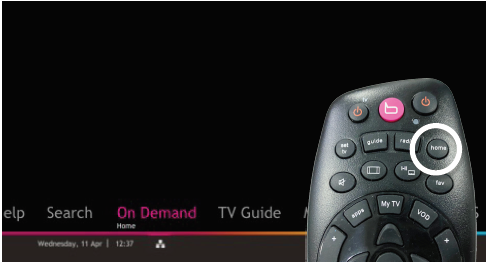
STEP 1
Press "HOME" button on your remote control.
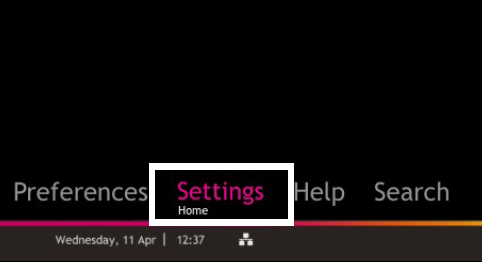
STEP 2
Navigate to Settings and press "OK".
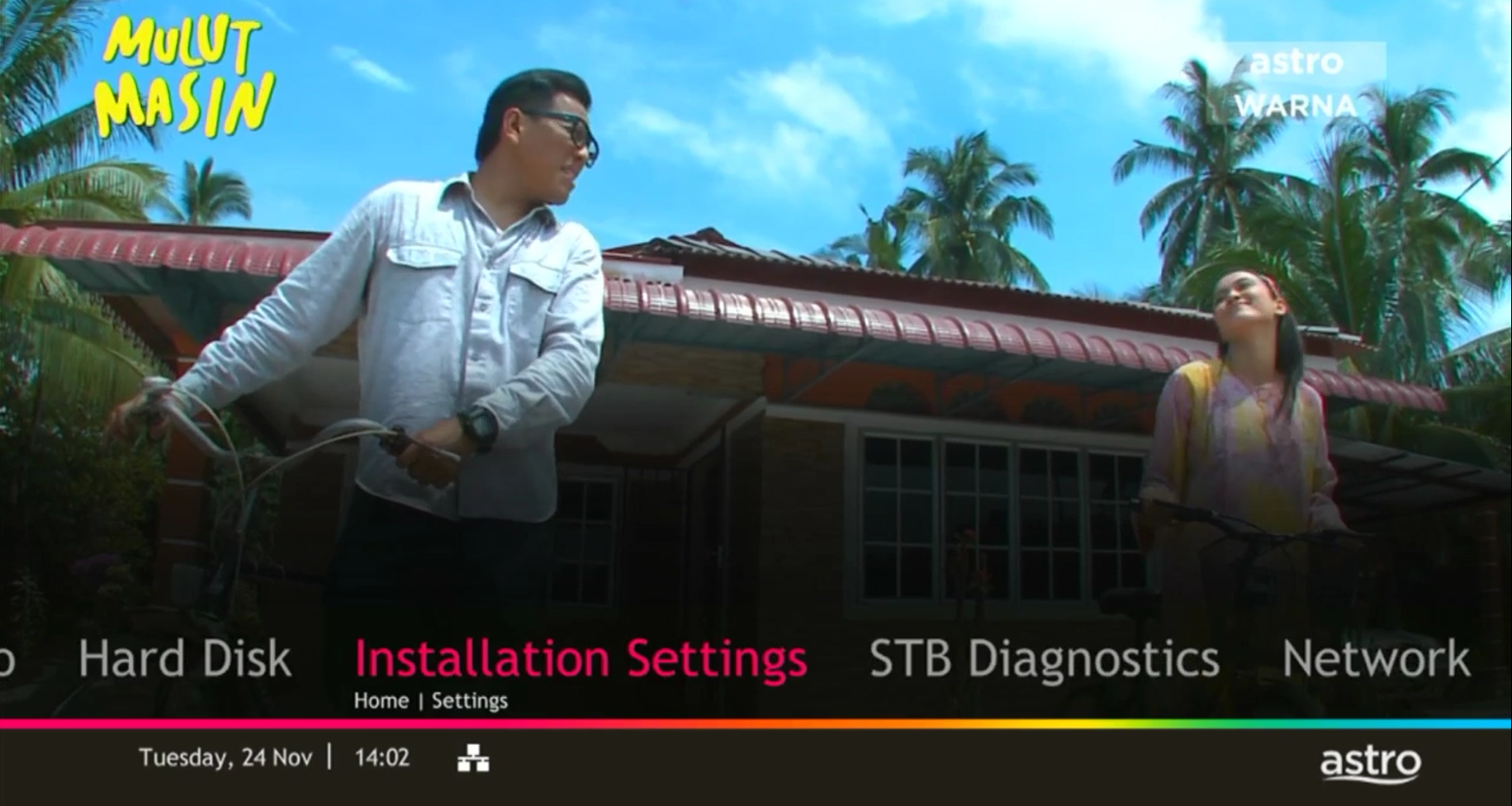
STEP 3
Navigate to Installation Settings and press "OK".
STEP 4
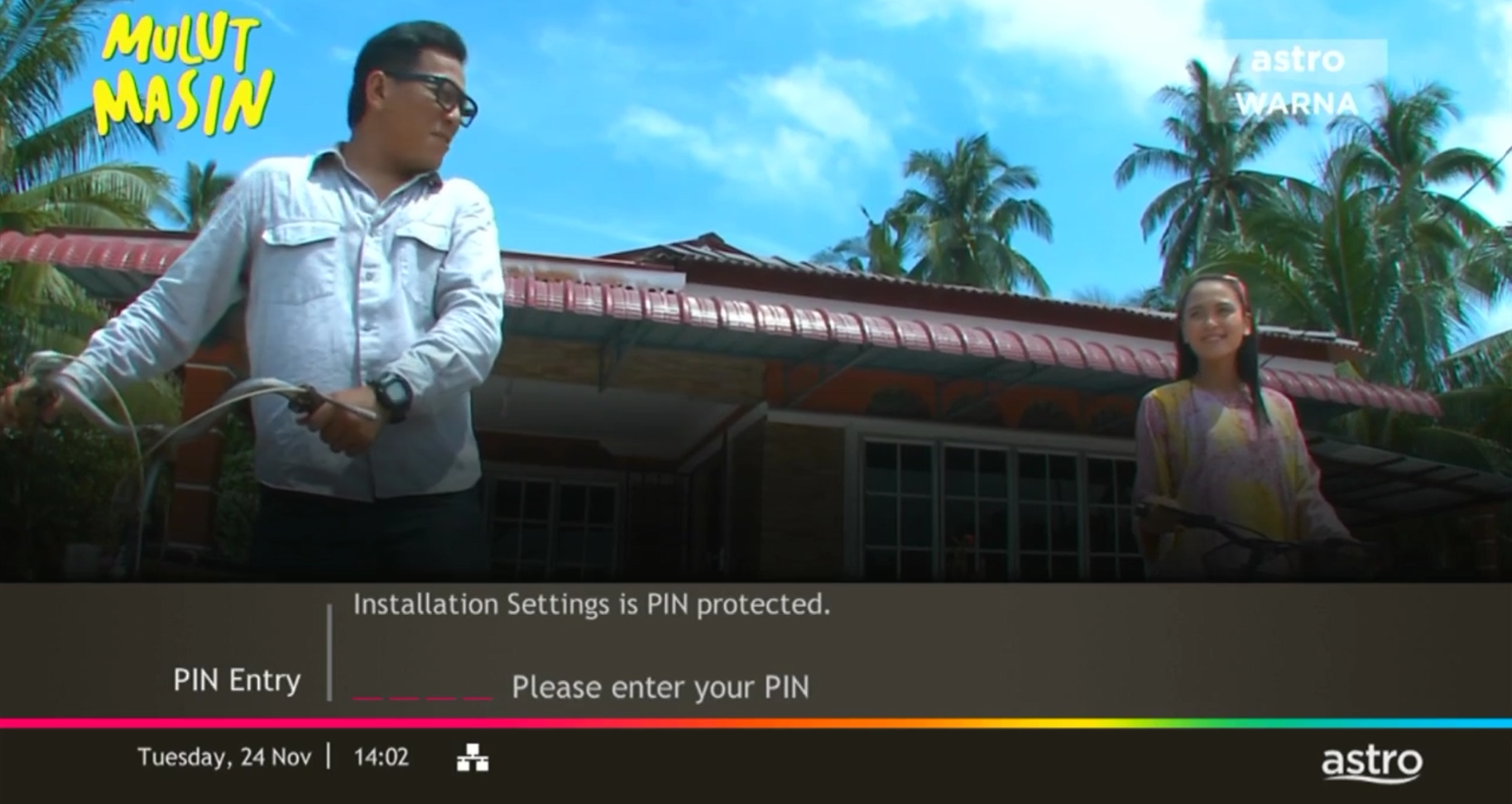
Enter your PIN to access this setting. (Default PIN is 0000).
STEP 5
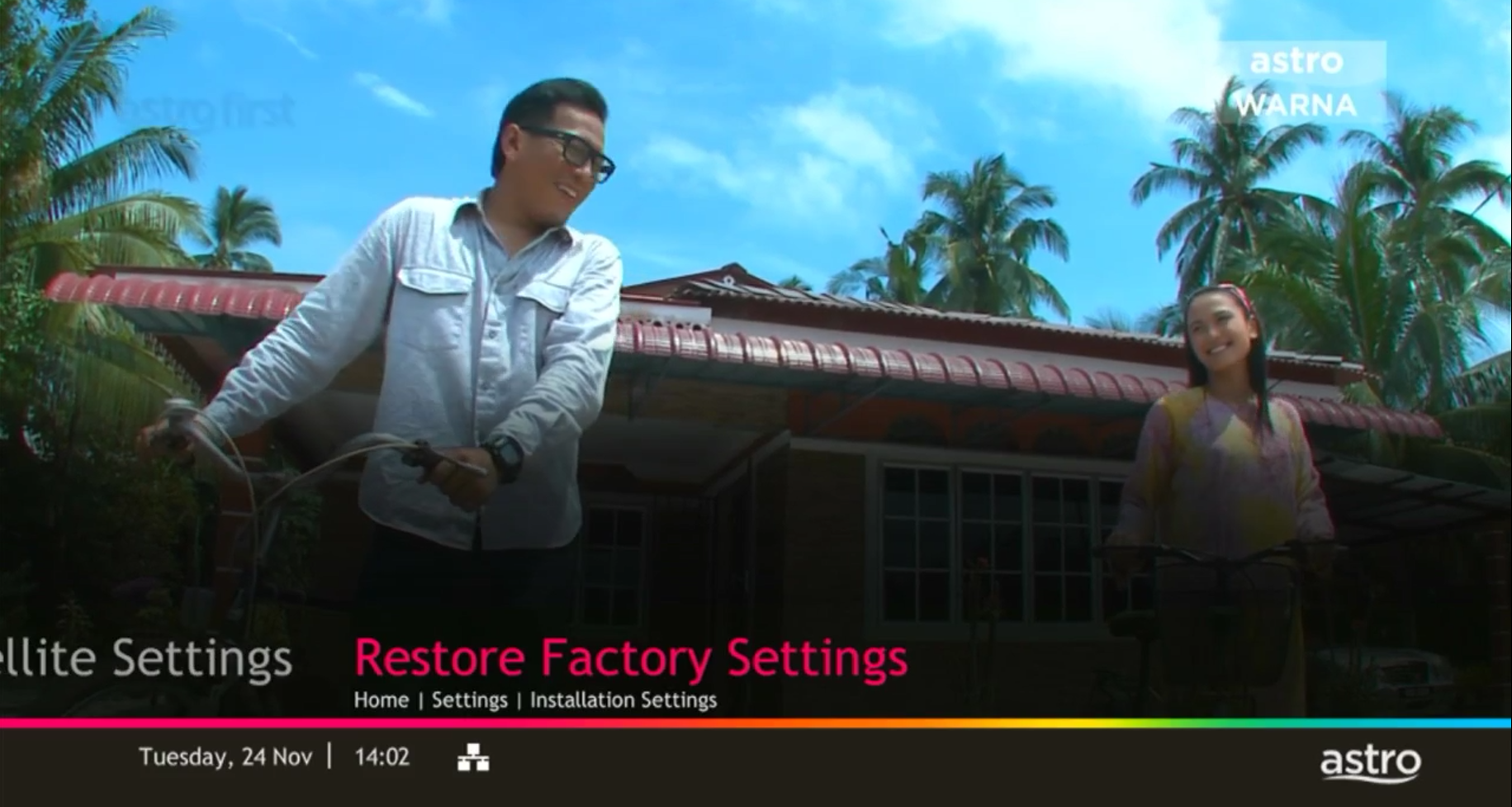
Navigate to Restore Factory Settings and press "OK".
STEP 6
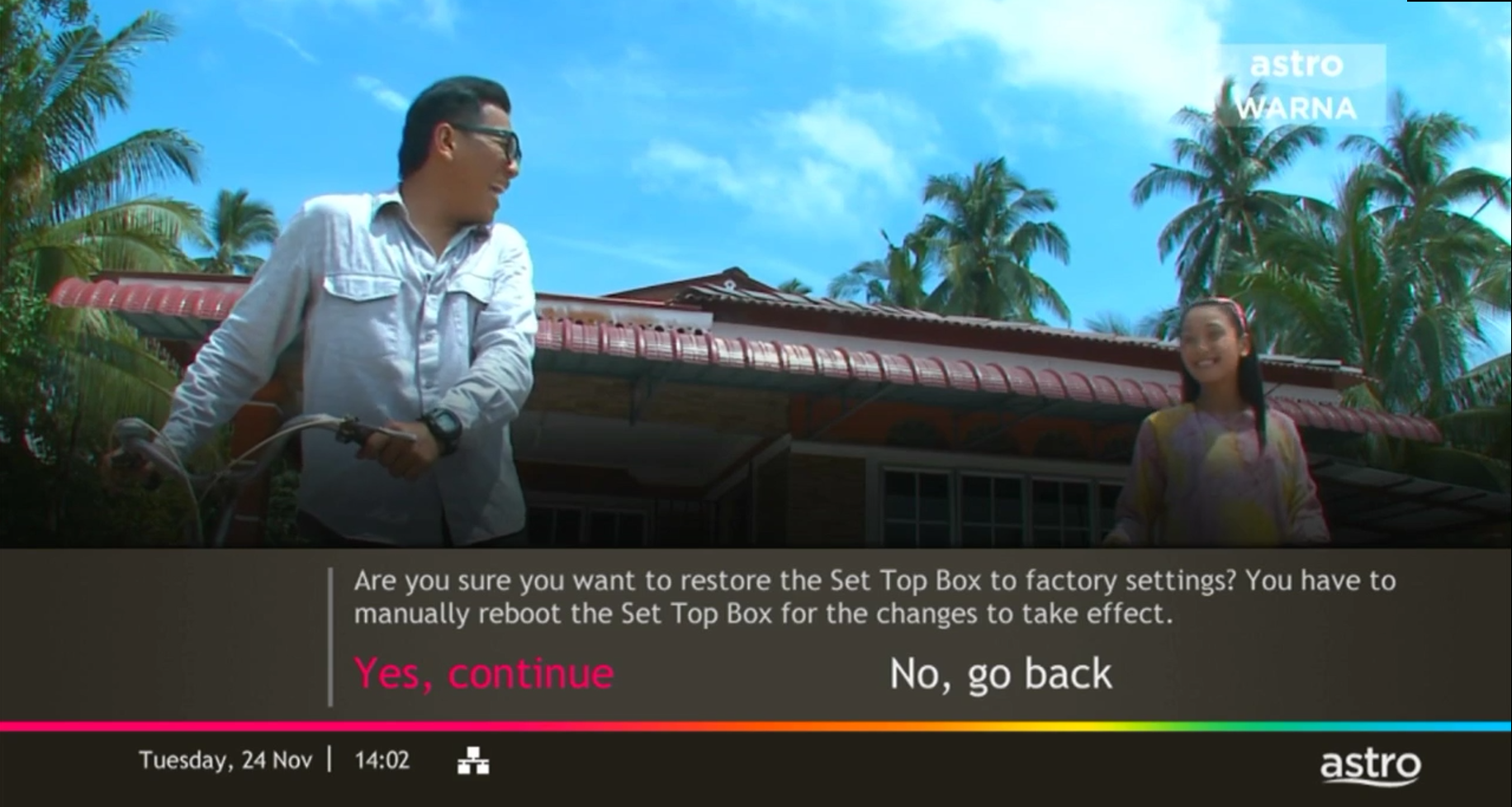
Navigate to Yes, continue and press "OK" to confirm your selection.
Otherwise, navigate to No, go back to maintain the settings.
STEP 7
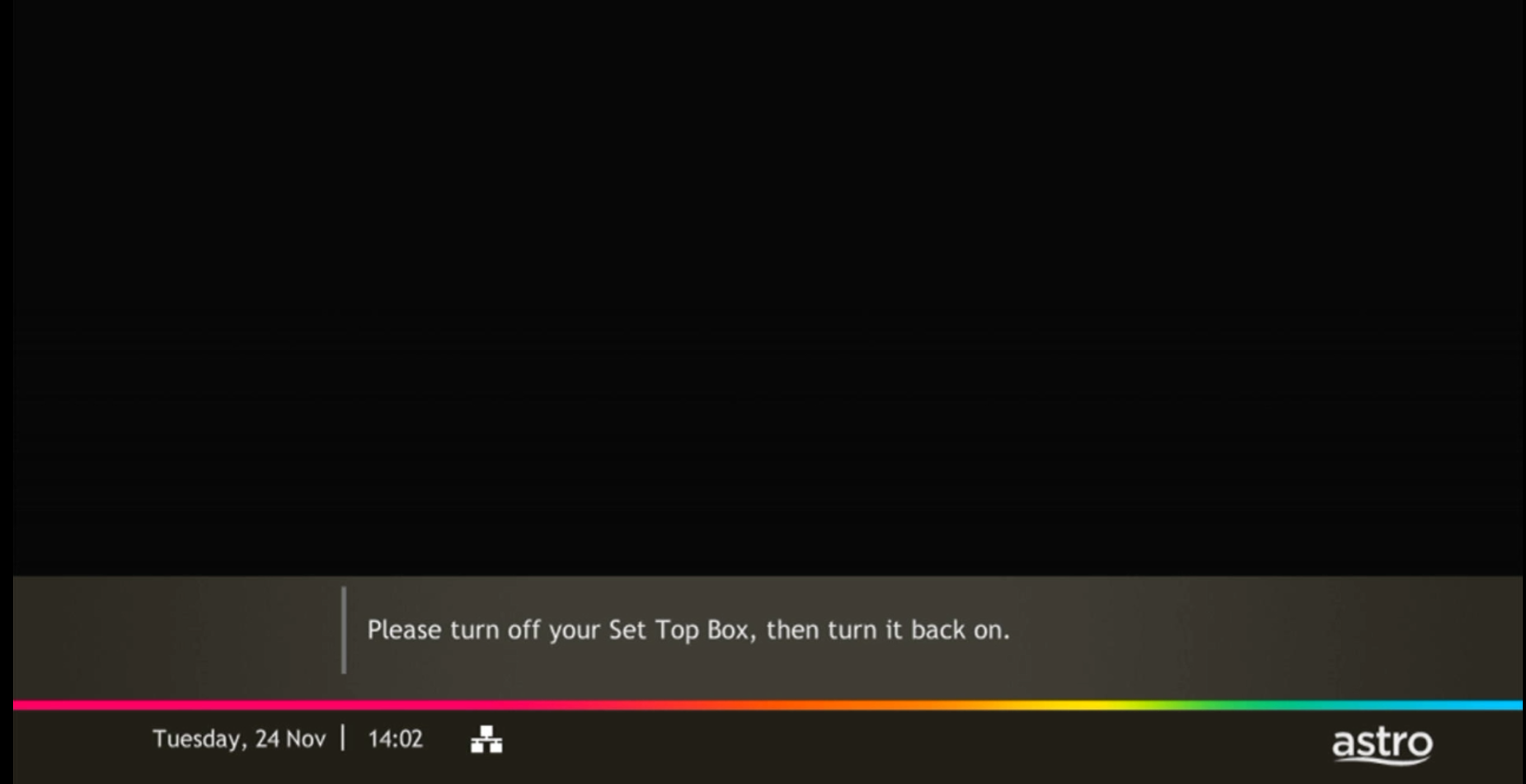
Please reboot your box.
STEP 8
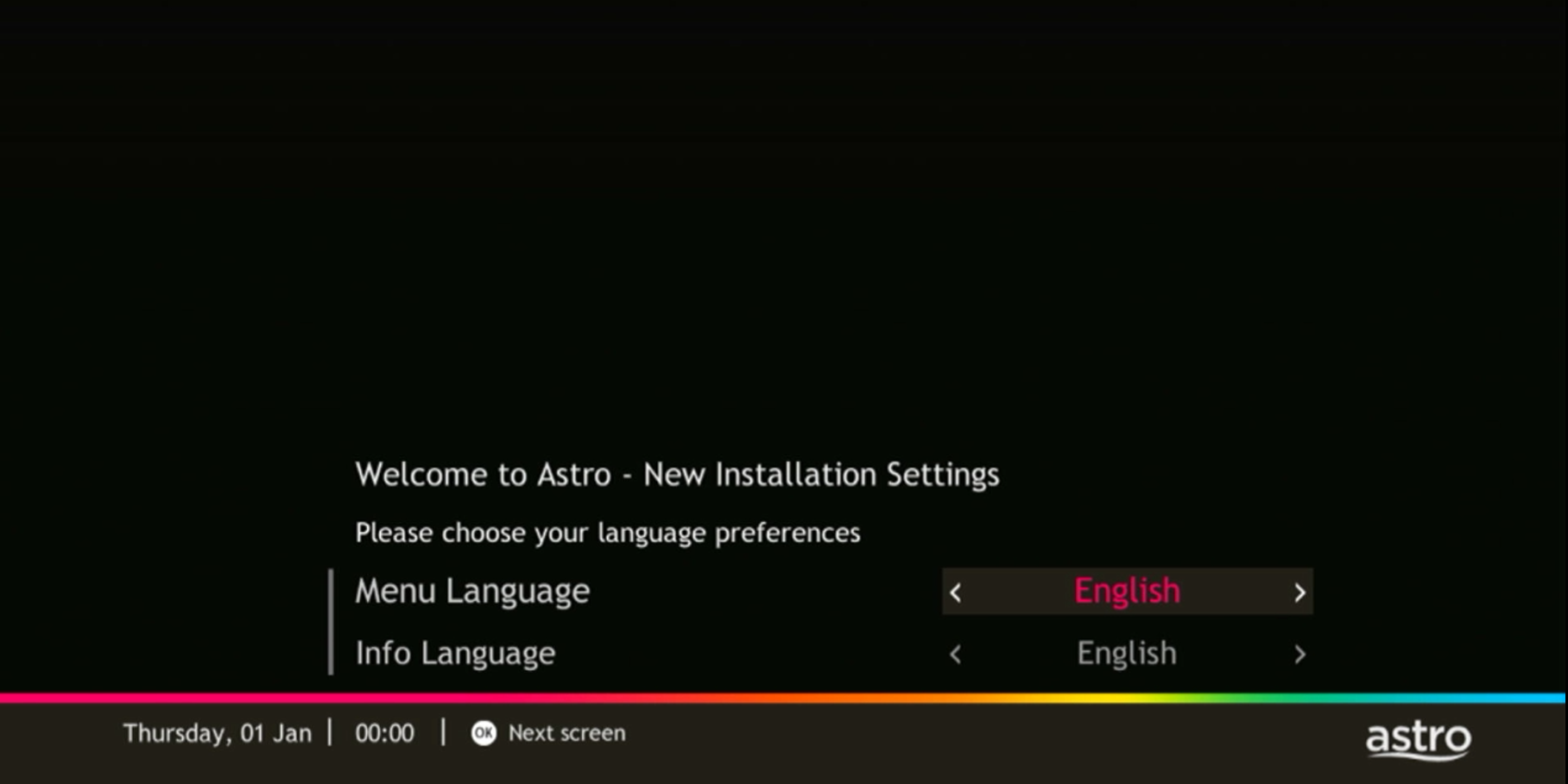
New Installation Settings screen will appear.
Click here to follow New Installation Settings guide.