Cart
Cart
 Track
Track
 Login
Login


Perform Pause function on Live program - Ultra Box
STEP 1
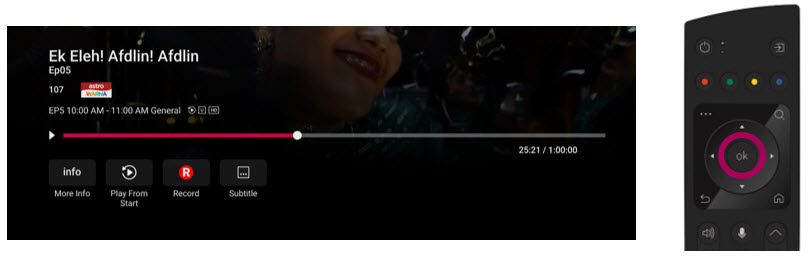
While watching linear channel, press “OK” to launch player banner.
STEP 2
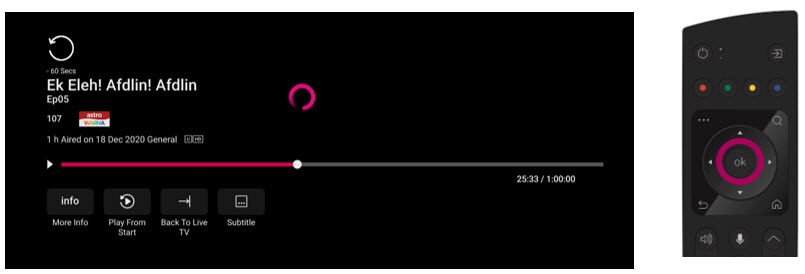
Press “OK” again to Pause. You will see an Icon on the left of TV screen.
STEP 3
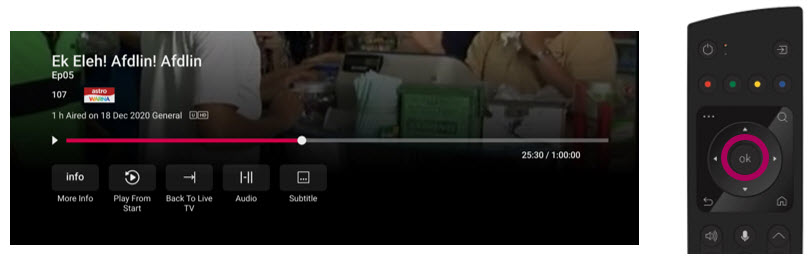
Press “OK” again to resume the program.
STEP 4
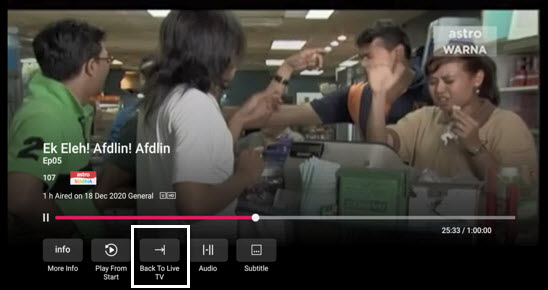
Navigate to Back To Live TV and press "OK" to go back to the live view.